→在AndroidStudio中使用AgentWeb打开指定网页 |
||
| 作者:qi0 | 回复/访问: 2/4908 | 发文时间:2023/3/13 18:18:26 |
| qi0 作者 2023/3/13 18:18:26 | 在AndroidStudio中使用AgentWeb打开指定网页 1、在app目录下的文件build.gradle中增加如下部分内容 dependencies { implementation 'com.just.agentweb:agentweb:4.1.3' // (必选)使用这个基础的webView实现 implementation 'com.just.agentweb:filechooser:4.1.3'// (可选) implementation 'com.download.library:Downloader:4.1.3'// (可选) } 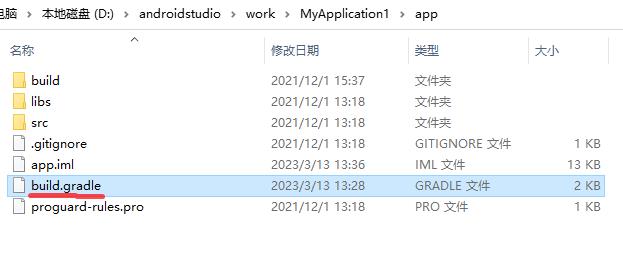 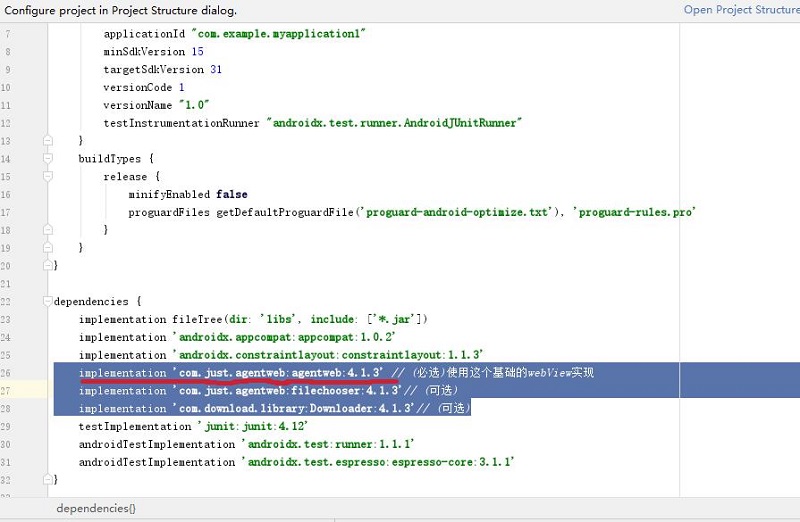 2、在界面布局文件XML中设置LinearLayout布局,设定id参数 android:id="@+id/mLinearlayout" 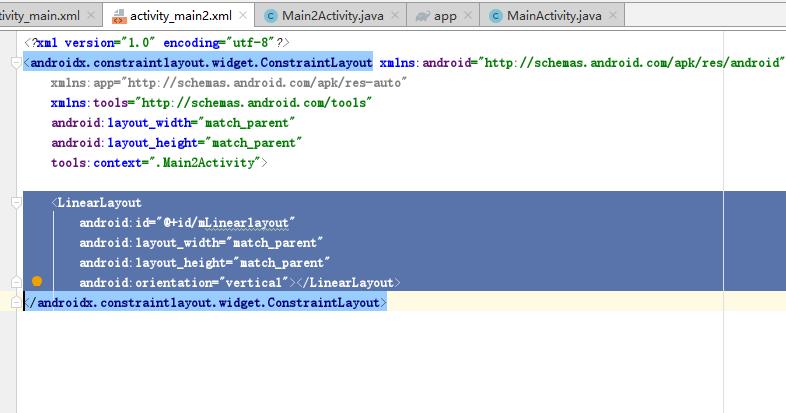 3、在activity.java中进行引用 import com.just.agentweb.AgentWeb; 定义变量 private LinearLayout myLinearlayout; AgentWeb mAgentWeb; 使用LinearLayout定义变量myLinearLayout并实例化引用 myLinearLayout=findViewById(R.id.mLinearlayout); 使用mAgentweb进行操作 mAgentWeb=AgentWeb.with(this) .setAgentWebParent(myLinearlayout,new LinearLayout.LayoutParams(1,1)) .useDefaultIndicator() .createAgentWeb() .ready() .go(url); 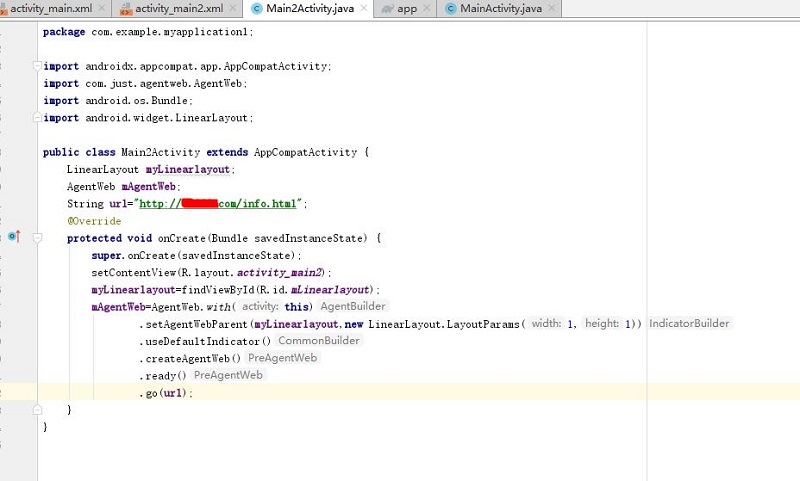 重要!!!一定记得在AndroidManifest.xml文件中设置访问网络的权限 〈uses-permission android:name="android.permission.INTERNET"〉〈/uses-permission〉 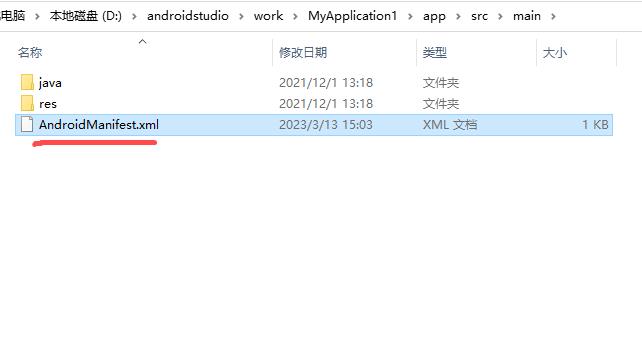  |
| 红尘 1楼 2025/9/6 12:19:58 | implementation 'io.github.justson:agentweb-core:v5.1.1-androidx' // (必选)使用这个基础的webView实现 |
| JosephBet 2楼 2026/1/28 9:59:06 | 有教育意义的 旅行者博客! 不要停下! <a href=https://iqvel.com/zh-Hans/a/E6848FE5A4A7E588A9/E8A5BFE696AFE6B180E5B08FE5A082>米朗基壁</a> 精彩的 博客内容! 已经规划路线。 |